
Sail Snapper in action
A working view of the Sail Snapper interface for capture, annotation, and handoff.

Screenshot capture, annotation, sharing, and adoption support
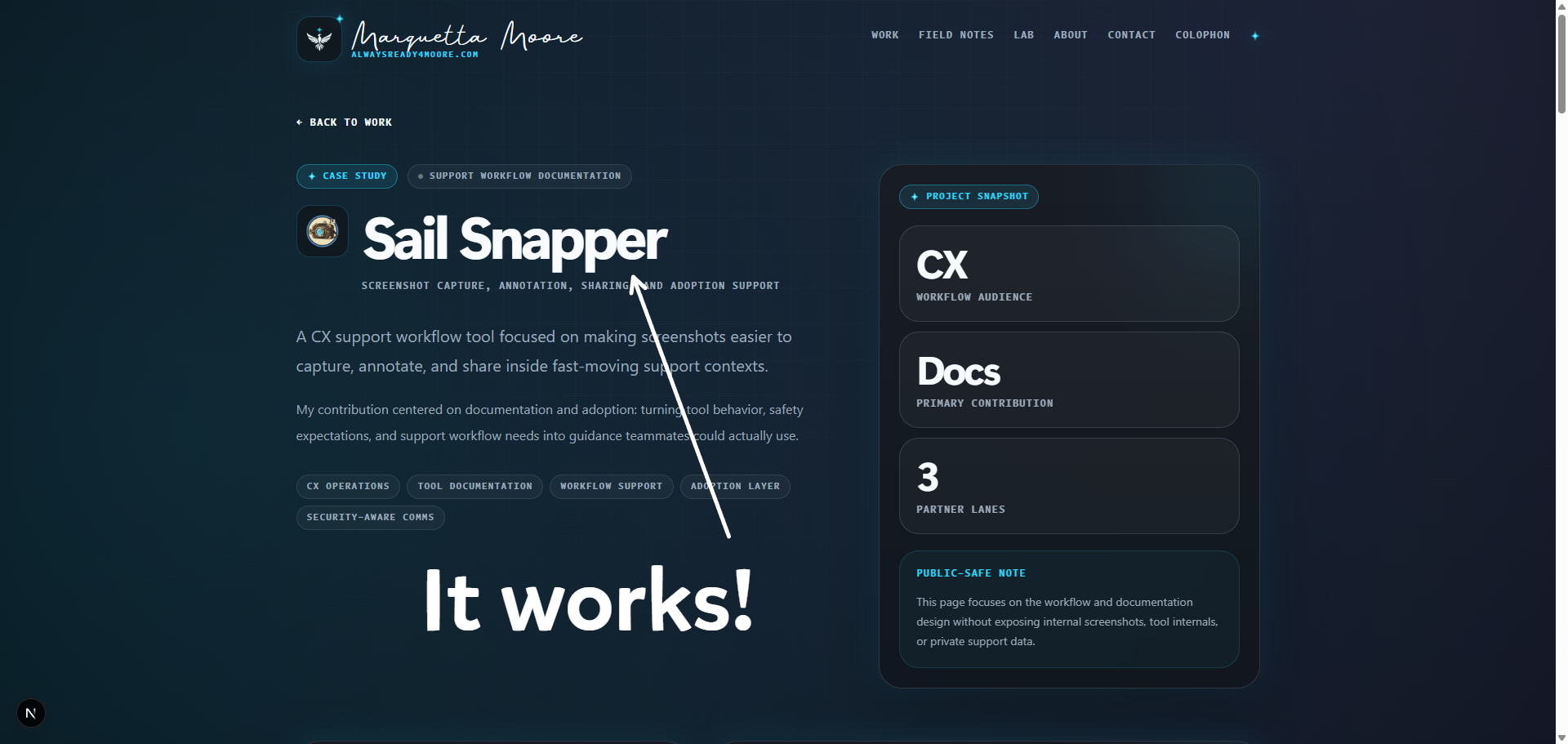
A CX workflow tool for faster screenshot capture, annotation, and sharing during support work.
I documented the tool, safety rules, and support workflow so teammates could use it consistently.
The guide explains what to capture, what to mark, how to share it, and how to avoid confusion or risk.
Annotate the useful part
Capture
Show the exact support context.
Mark up
Point to the relevant detail.
Share
Hand off with less ambiguity.
Public-safe mockup based on the workflow pattern.
A public-safe view of the tool surface.
A working view of the Sail Snapper interface for capture, annotation, and handoff.
This page uses public-safe examples. Internal screenshots require review and redaction before use.
Screenshot workflow support
Documentation and adoption
Development, IT, InfoSec
Clearer support handoffs
In CX work, one screenshot may serve as evidence, context, explanation, and handoff. When the image is unclear or missing context, the next person must reconstruct the issue before helping.
The tool had to fit a busy queue and follow privacy, security, and handling rules. Teammates also needed clear guidance on when to use it, how to use it, and what not to capture.
I explained the tool’s purpose, where it fit in the CX workflow, how to use it, and which safety rules applied. The documentation made the process repeatable.
The documentation connected capture, annotation, sharing, privacy rules, and support handoffs in one workflow.
Each step should reduce ambiguity for the next person.
Decide what the image must show, which context matters, and what should stay out.
Mark the relevant detail without crowding the image.
Add enough context for a teammate, technical partner, or workflow owner to act.
Document the steps, limits, and escalation path so others can repeat the workflow.
A clear screenshot can shorten a handoff. A vague one can slow it down.
A cropped image can remove the context needed to understand it. The guidance tells readers what they are seeing and why it matters.
Good markup directs attention to the relevant detail. Too much markup makes the image harder to use.
Support screenshots may contain sensitive information. The guide explains what to capture, hide, avoid, and review before sharing.
Setup steps, examples, limits, and escalation paths make the tool usable in daily work.
The guide covers purpose, use, limits, privacy, and troubleshooting.
Explain the job clearly: cleaner screenshot capture, annotation, and sharing inside support workflows.
Explain when a screenshot helps and when written context is better.
State the privacy, security, and handling rules before someone shares an image.
Give a next step for common issues before escalation.
The project connects CX context, internal tooling, partner needs, and security-aware documentation.
The work reflects CX handoffs, evidence needs, teammate context, and queue pressure.
The work translates tool behavior for teammates and cross-functional partners.
The project required clear rules for safe handling, internal use, and public examples.
Small support tools still need clear steps, a safe boundary, and guidance people can trust.